STEP 1: Agent Registration & Application
- Download, complete, sign, scan (pdf) and email to: broker@listnshow.com
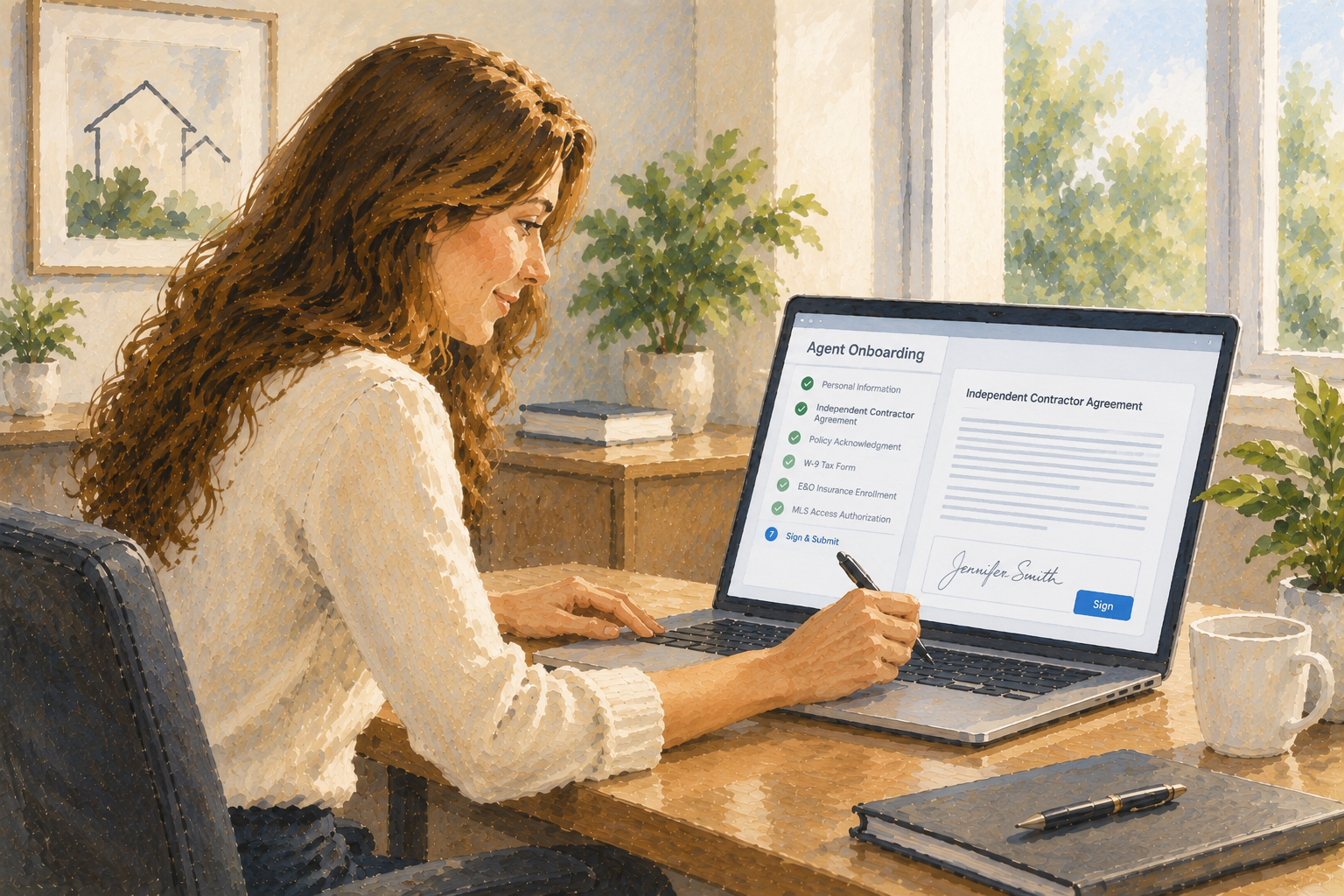
STEP 2: Independent Contractor Agreement
- List n Show™ will email to you the Independent Contractor Agreement for your e-signature.
STEP 3: W9
- Download, complete, sign, scan (pdf) and email to: broker@listnshow.com
STEP 4: Real Estate Salesperson Transfer
- Download the Guide & complete as per the directions.
- You will be charged $25 by The State of Connecticut.
STEP 5: SmartMLS
- Fill out the MLS transfer form, as “member transfer,” which the Broker has already signed. There is no fee for this. Don’t miss the top part – your Member (Public) ID and prior office code. Leave the Supra eKEY part blank, if you already have an eKEY.
- Email this to: membership@smartmls.com
STEP 6: List n Show LLC Systems
- Quick Start Guide: listnshow.com/system
- You will receive an invitation to sign-in and set up your RBO password. RBO – Realty Back Office, is the company real estate transaction & CRM technology.